
CommunityMX has posted the second part of their tutorial on creating your first Central application.
This tutorial is available to CommunityMX members or can be purchased from CommunityMX.com. You can find more information here.
CommunityMX has also updated its Community MXtra Central Application.
I put together a little Flash app this weekend that shows how to use the web services API, the v2 components and ActionScript 2.0. It uses a beta of the MXNA web service API that we are working on. We are tweaking the server side performance on the web services, so they are a little slow right now.
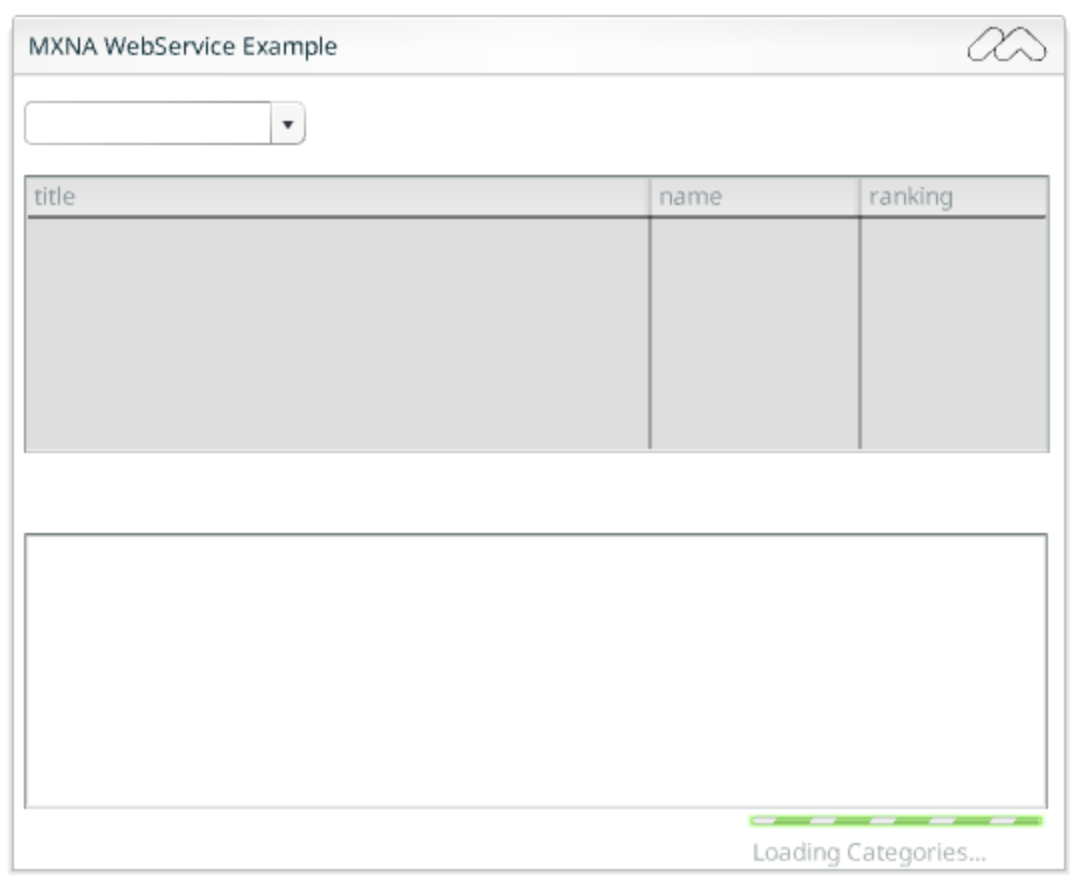
You can view a running, archived version of this app here
I will post the code once I finish up the MXNA WebService library. I will also try and post code snippets showing how I did certain things.
How do you use Flash? Specifically, how do you arrange the panels and timeline within Flash?
Here is the layout that I have been most comfortable with:
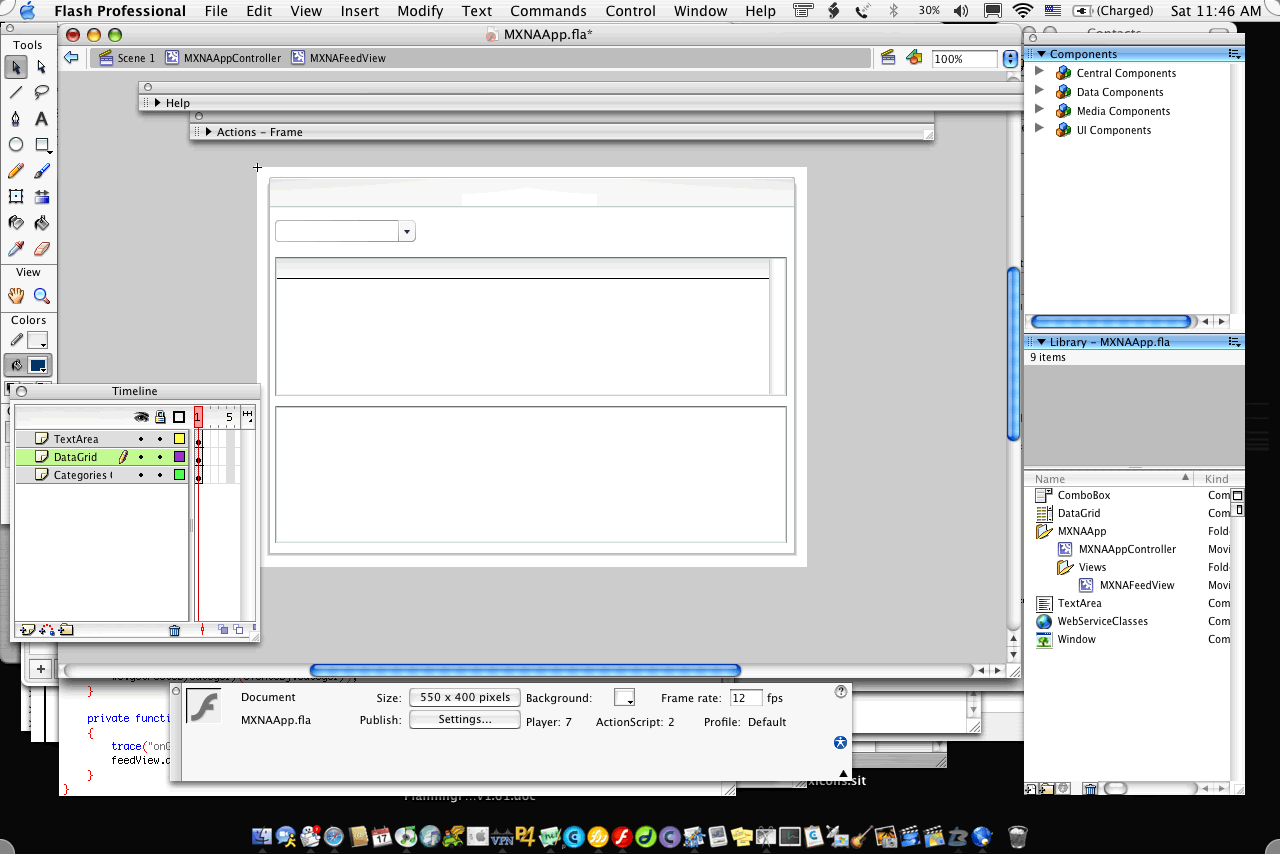
(Thanks to Kevin Lynch who gave me the idea of making the timeline thinner and moving it to the side).
So how is your environment laid out? Describe it in the comments, or post links to screenshots.
CommunityMX.com has posted the first in a series of articles on developing applications for Macromedia Central.
The first article is titled Your First Central Application - Part 1 and gives an overview of Central and getting your development environment ready for Central development.
While you are over at CommunityMX.com, make sure to also check out their CommunityMXTra Central Application.
Here are some good resources for getting started with ActionScript 2.0
Post any more resources in the comments.
Jesse Warden has a great post on his thoughts about Central. One of the things he brings up is that he has had trouble explaining the benefits of Central, but once he built an app or two, he just got it.
I have heard this quite a few times (and experienced it myself when I started with Central). Of course, as more features are added to Central, this should be less of a problem. So, i am curious, if you are doing stuff with Central now, what helped you “get it” (i.e. understand it)? If you are not doing Central development right now, what would make you want to?
I noticed that a lot of weblogs in the community are getting spammed today. I went through the same attack about a week ago (1200 spams in 24 hours). I use MT-Blacklist to protect against spam and it works pretty well.
So, in order to help everyone getting spammed today, I am publishing my weblog’s black list. If you are using MT Blacklist, you can add them to your system in the MT Blacklist admin.
We have posted some new articles on the Macromedia Central DevNet Center.
The articles are:
Check them out. If you have any suggestions for future articles, post them in the comments section.
Ted Patrick has been posting some icon’s created with his Central based Icon Pro application (currently in Alpha). Pretty cool stuff. I just realized that he has also developed a format for saving the icons as ACSII.
Anyways, pretty cool stuff. You can check out the alpha of Icon Professional and Icon Explorer here.
Thanks to everyone who provided their feedback in an earlier post on File system access within Macromedia Central. It was very useful.
We would like some additional input. Specifically, what type of things would you like to do if you had file system access? i.e. how would your application use file system access within Macromedia Central?
A good example might be : “I would allow users to upload reports from the Central application to the server (to be shared with other users)”.



