
Well as usual Flash Forward was a great success and a lot of fun. I did a presentation on integrating Macromedia Flash with Cold Fusion 5 which went very well.
You can download the notes, and code examples here.
For the first time there were two session on Generator, and both were well attended, even though the last one was at the same time as Yugo’s session. Robert Hall of mcom8 showed some really cool text to speech stuff run by Generator that we have been working on. You can see his presentation here.
Phillip Torrone (flashenabled.com, Fallon) and I were interviewed the other day for a radio show called General Protection Fault which is broadcast on Alaskan Public Radio. We talked about Flash, Generator and Flash on devices (i.e. Pocket PC).
View the Website.
Listen to the interview (Requires Real Audio)
The next Flash Forward is coming up July 11 - 13 in New York City.
This time around there are two sessions on Generator, a beginner session and an advanced session. I will be helping Phillip Torrone out with the Advanced session and will be showing off some new stuff.
I also am presenting my own session on integrating Flash with Cold Fusion. Finally, there will be a meet the author session and myself, Phillip Torrone and Chris Wiggins will be attending (and autographing books if anyone actually wants it).
Generator and Flash Demystified is now available. It took a little longer than expected because there were so many preorders which had to be filled.
Amazon and BarnesandNoble.com have it in stock and shipping. It should appear in local stores within the next week.
Here is the Table of Contents
Introduction
##PART 1: GETTING STARTED
##PART 2: USING GENERATOR
Probably the #1 question I get about Generator is why are there no Generator books. Well now there is a book written by myself, Phillip Torrone (of flashenabled.com) and Chris Wiggins. The book, titled Flash and Generator Demystified contains everything you need to know about Generator and then some.
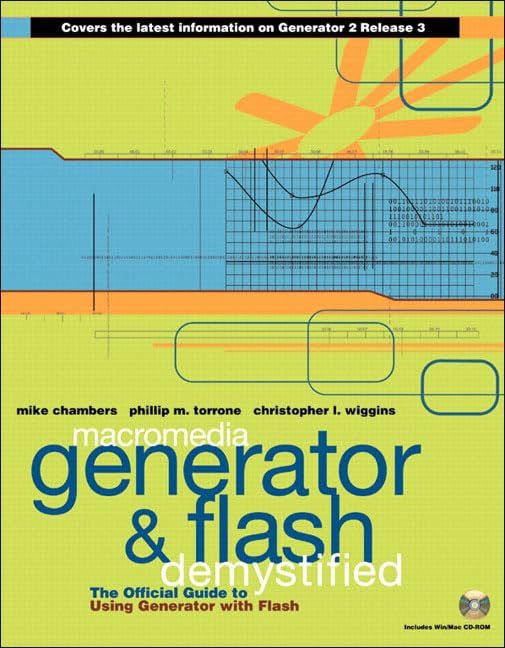
It includes:
You can by the book from: Amazon.com
Just a quick update today. I have added a bookstore section to the site. This contains all of the books that I use from day to day.
All of the links go through my Amazon affiliate link (so I get a small part of the purchase). However, if you don’t like that, you can just remove the affiliate tag from the link.
View the books I use.
The tip of the day is back, although right now it is the random tip of the day. As soon as we get some more time we will be adding more tips.
Sorry for the lack of updates, but with Flash Forward things have been kind of busy.
Advanced Data Source Object
This object allows you to use any Comma Separated Value file (including Generator data sources) as a data source.
It also adds the following features and functionality:
The object adds a large amount of logic to Generator allowing it to manipulate its data. In some cases this object will replace middle ware currently necessary to filter and sort Generator data.
The Multi Page List objects is a list object which does advanced formatting of data and creates a multi page list of items that the user can navigate through. However, the object does not allow you to manually position the navigation buttons, thus severely limiting your design choices.
This Tip of the day will describe how to position the navigation buttons any where that you want.
This uses the Multipage list example in the
You can pass an entire column data source to Generator in offline mode, in much the same way that you can do it in online mode through the URL.
For example, if we had the following data source:
value, color
1, blue
2, green
3, yellow
that we wanted to past to a template in offline mode, then the command would be:
generate -swf test.swf test.swt -param data "value, color\n1, blue\n2, green\n3, yellow\n"
The pie chart’s data source property would be #{data} (the # tells Generator that the data source contains the actual data, and not a link to the data).



