
I just noticed that Intel has released a Macromedia Central version of their HotSpot finder. This is a very cool application that will show you all of the Wireless hotspots in your area. Even cooler is that it will cache your results so you can view them offline (when you need a hotspot finder the most!).
You can install the Hostspot finder from the bottom of this page.
Paul Newman from CommunityMX has put together a Central application that provides an interface to the CommunityMX site, displaying the latests articles and letting you search their entire article archive.
This application is based on an existing Flash application that Paul had already built, and he outlines some of the changes he had to make (not many) to make it run within Central.
This is only version .70 but it is already pretty polished.
The Macromedia Central SDK will ship with a debug panel that runs within Flash (MX and 2004). We will also release a debug application that runs within Central, and can give richer information.
Last night, I put together a simple windows app that wraps the Central Debug Panel. It puts it in its own window, and allows you to set that window to always be on top. So, my question is, is this something that you would find useful? If so, I can release the code for it once Central ships.
I was playing around with Flash MX Pro 2004 last night, and created this simple Central API viewer.
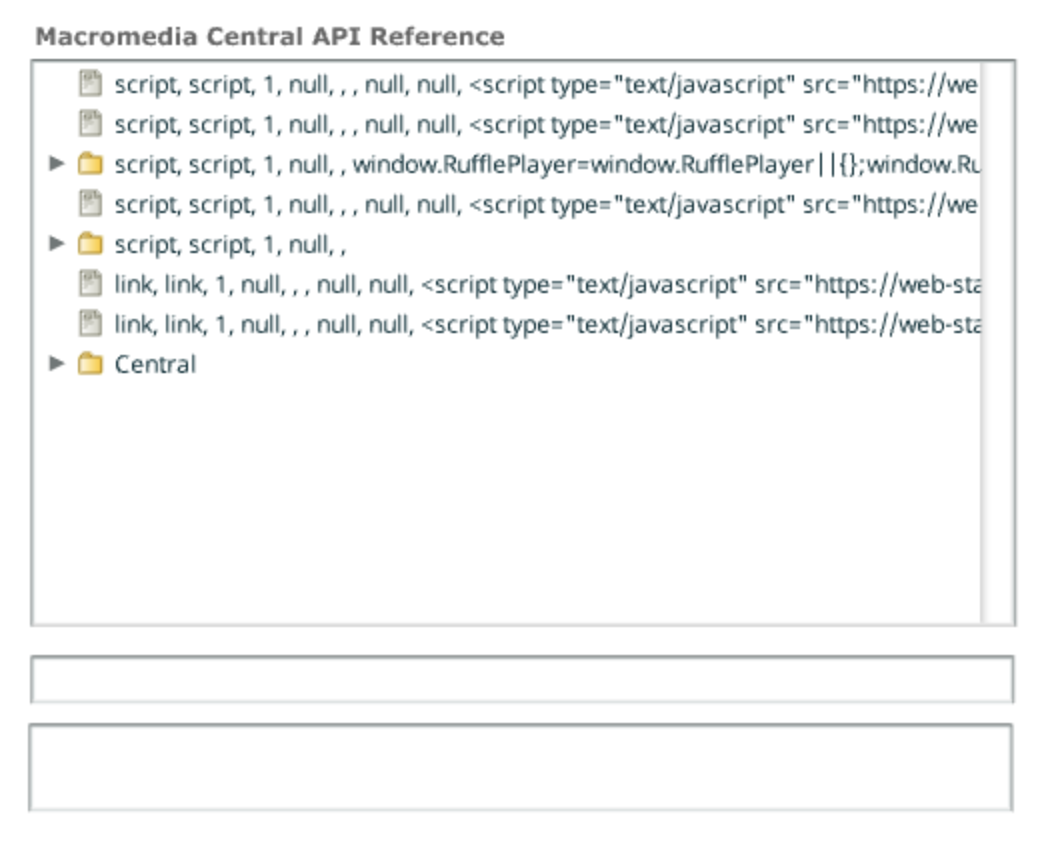
How much code did this take?
var myTreeDP = new XML();
myTreeDP.ignoreWhite = true;
myTreeDP.load("central.xml");

pBar.indeterminate = true;

myTreeDP.onLoad = function()
{
  myTree.dataProvider = myTreeDP;
 	pBar.indeterminate = false;
	pBar._visible = false;
}

handleTreeEvent = function(evt)
{
	var node = myTree.selectedNode;

	XML.prototype.ignoreWhite = true;
	var x = new XML("<xml>"+node.toString()+"</xml>");
	var n = x.firstChild.firstChild.attributes;

	var des;
	var fSig;

	if(n.isBranch == "true")
	{
		des = "";
		fSig = "";
	}
	else
	{
		des = n.tiptext;
		fSig = n.object + n.text;
	}

	description.text = n.tiptext;
	sig.text = n.object + n.text;

}
myTree.addEventListener("change", handleTreeEvent);
Pretty simple stuff.
I just noticed that were-here has created a Central forum. There are a couple of posts there, and a pretty useful FAQ put together by aSH.
We are updating the Central Resources page to include this and some other new resources.
You can view the forum here.
I am going to release a Flash Command line compiler that I built a while ago. It works with Flash MX 2004, and uses the extensibility layer. I just need to test a few things and make sure it still works. Assuming no major issues, I will release it in a couple of days.
Couple of notes:
Here is the usage information:
CentralMX.com has posted their first Central related video tutorial. It discusses the SDK, and how to get started with it.
Very cool stuff.
You can find out more information and view the tutorial here.
A couple of people have asked me how to set up a separate RSS feed on their weblogs just for Macromedia Central. If you are using Moveable Type it is actually pretty simple.
<?xml version="1.0" encoding="<$MTPublishCharset$>"?>

<rdf:RDF
  xmlns:rdf="http://www.w3.org/1999/02/22-rdf-syntax-ns##"
  xmlns:dc="http://purl.org/dc/elements/1.1/"
  xmlns:sy="http://purl.org/rss/1.0/modules/syndication/"
  xmlns:admin="http://webns.net/mvcb/"
  xmlns:cc="http://web.resource.org/cc/"
  xmlns="http://purl.org/rss/1.0/">

<channel rdf:about="<$MTBlogURL$>">
<title><$MTBlogName encode_xml="1"$></title>
<link><$MTBlogURL$></link>
<description><$MTBlogDescription encode_xml="1"$></description>
<dc:language>en-us</dc:language>
<dc:creator></dc:creator>
<dc:date><MTEntries lastn="1"><$MTEntryDate format="%Y-%m-%dT%H:%M:%S" language="en"$><$MTBlogTimezone$></MTEntries></dc:date>
<admin:generatorAgent rdf:resource="http://www.movabletype.org/?v=<$MTVersion$>" />
<MTBlogIfCCLicense>
<cc:license rdf:resource="<$MTBlogCCLicenseURL$>" />
</MTBlogIfCCLicense>

<items>
    <rdf:Seq><MTEntries lastn="15">
    <rdf:li rdf:resource="<$MTEntryPermalink encode_xml="1"$>" />
    </MTEntries></rdf:Seq>
</items>

</channel>

<MTEntries category="Central" lastn="15">
    <item rdf:about="<$MTEntryPermalink encode_xml="1"$>">
        <title><$MTEntryTitle encode_xml="1"$></title>
        <link><$MTEntryPermalink encode_xml="1"$></link>
        <description><$MTEntryExcerpt encode_xml="1"$></description>
        <dc:subject><$MTEntryCategory encode_xml="1"$></dc:subject>
        <dc:creator><$MTEntryAuthor encode_xml="1"$></dc:creator>
        <dc:date><$MTEntryDate format="%Y-%m-%dT%H:%M:%S" language="en"$><$MTBlogTimezone$></dc:date>
    </item>
</MTEntries>

</rdf:RDF>
If you did not name your new category Central then you will need to put the category name in the following line:
Because applications running within Central use the Central API and because those APIs are not available within the Flash Authoring environment, you have to test and debug your applications within Central itself. This is actually pretty simple, and you can use the trace() statement like your normally would.
There are two main steps to testing and debugging within the Central environment. The first is publishing a new SWF directly into Central. This is possible once you have installed your application into Central. The second is viewing runtime debug / trace information from the application.
Mike Lyda has put together a couple of testing apps that help you test how your application responds to resizing within Macromedia Central. There are two Central apps included, big app and small app, which are either really big or really small.
You can install them from here.



